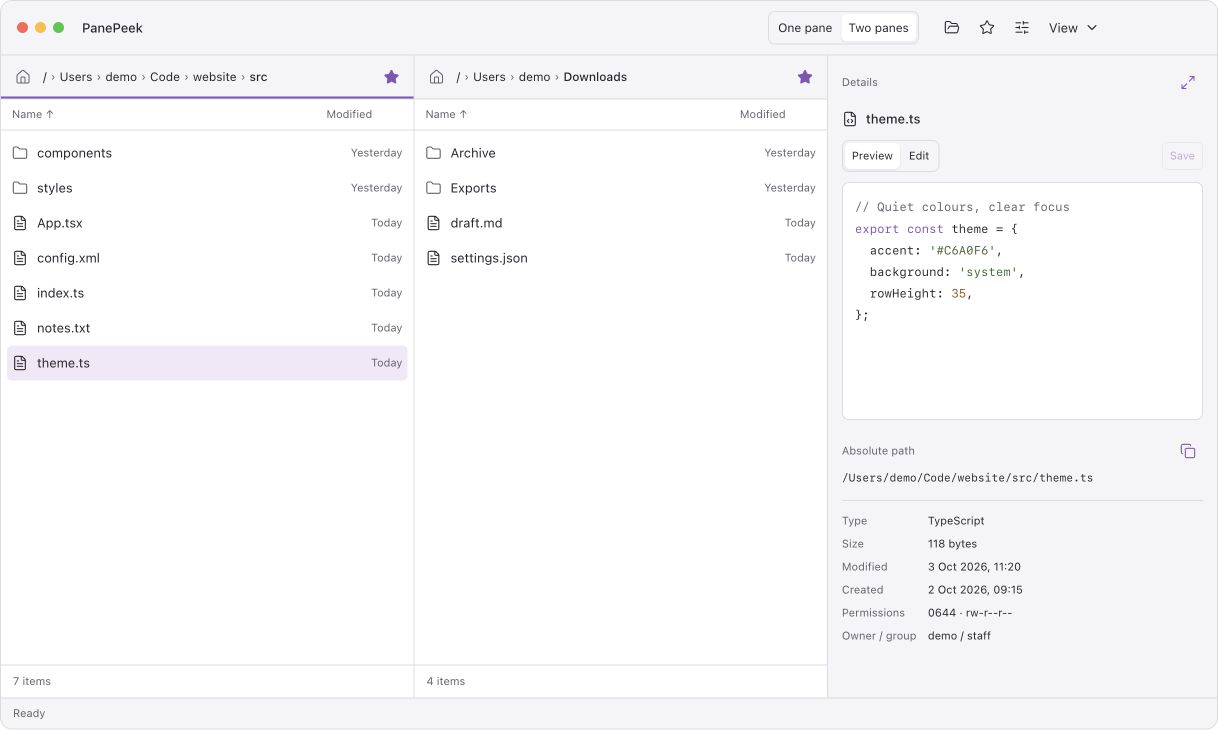
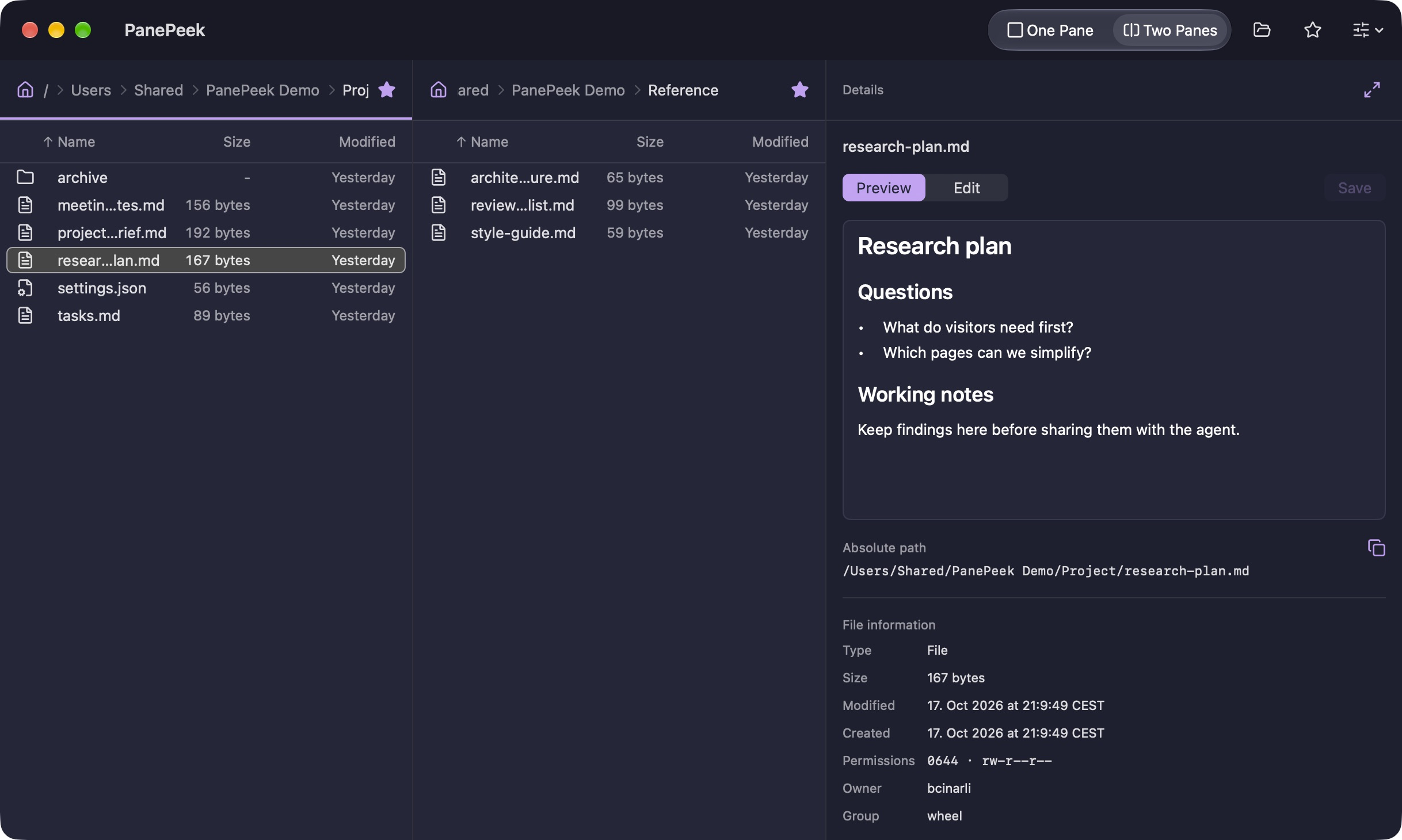
Choose one or two panes.
Use one pane for a single folder, or open a second pane alongside it. Each pane keeps its folder when you switch views.
 PanePeek
File browser for Mac
A little more room to see what you’re working with. Browse folders together, with file previews and a text editor close at hand.
For macOS 26 and later.
Folder browsing
Open two folders in one window to copy or move files between them.
Use one pane for a single folder, or open a second pane alongside it. Each pane keeps its folder when you switch views.
Save folders as favourites and open them in either pane. Click a folder in the path at the top to return to it.
Previews and editing
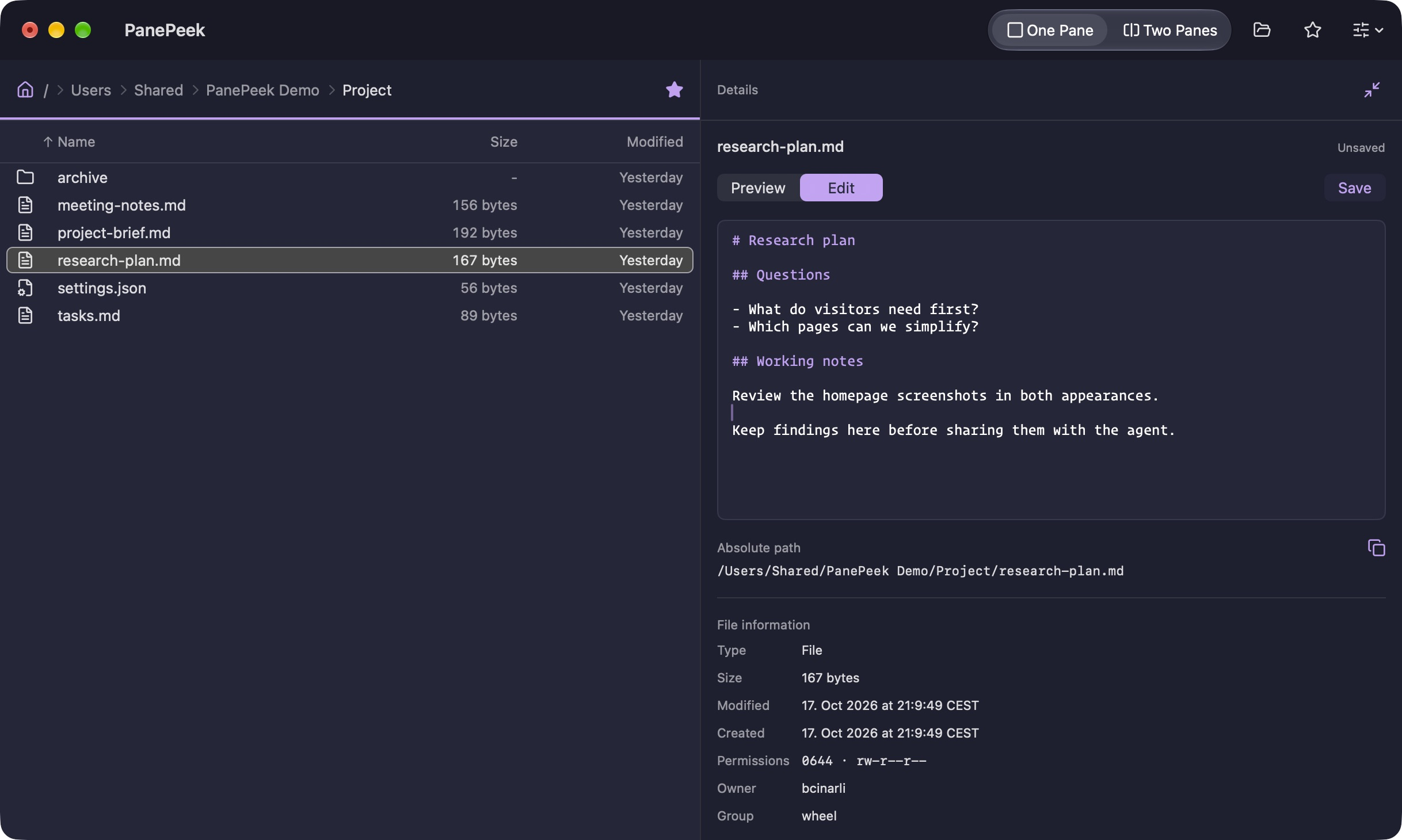
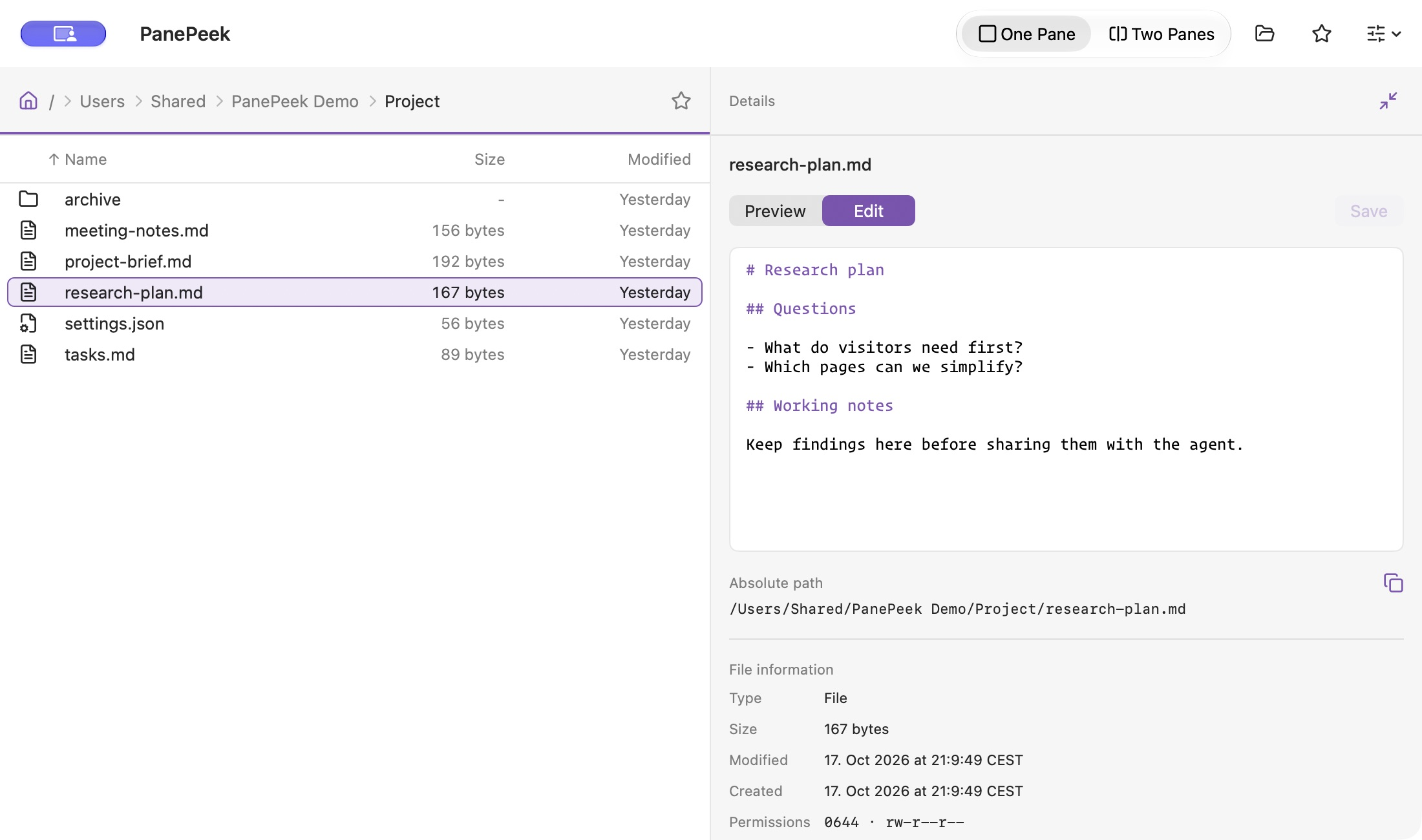
Select a file to see a preview in Details. For supported text files, choose Edit to make changes in the same pane.
Details also shows the file’s full path and information.
On your Mac
Questions about PanePeek
PanePeek runs on macOS 26 and later.
Yes. You can drag files between PanePeek and Finder and use either app to browse your folders.
Details shows previews for supported text and images. It also plays local video. You can edit supported UTF-8 text files up to 1 MiB, with colour highlighting for common code and settings files. Press Space to open macOS Quick Look.